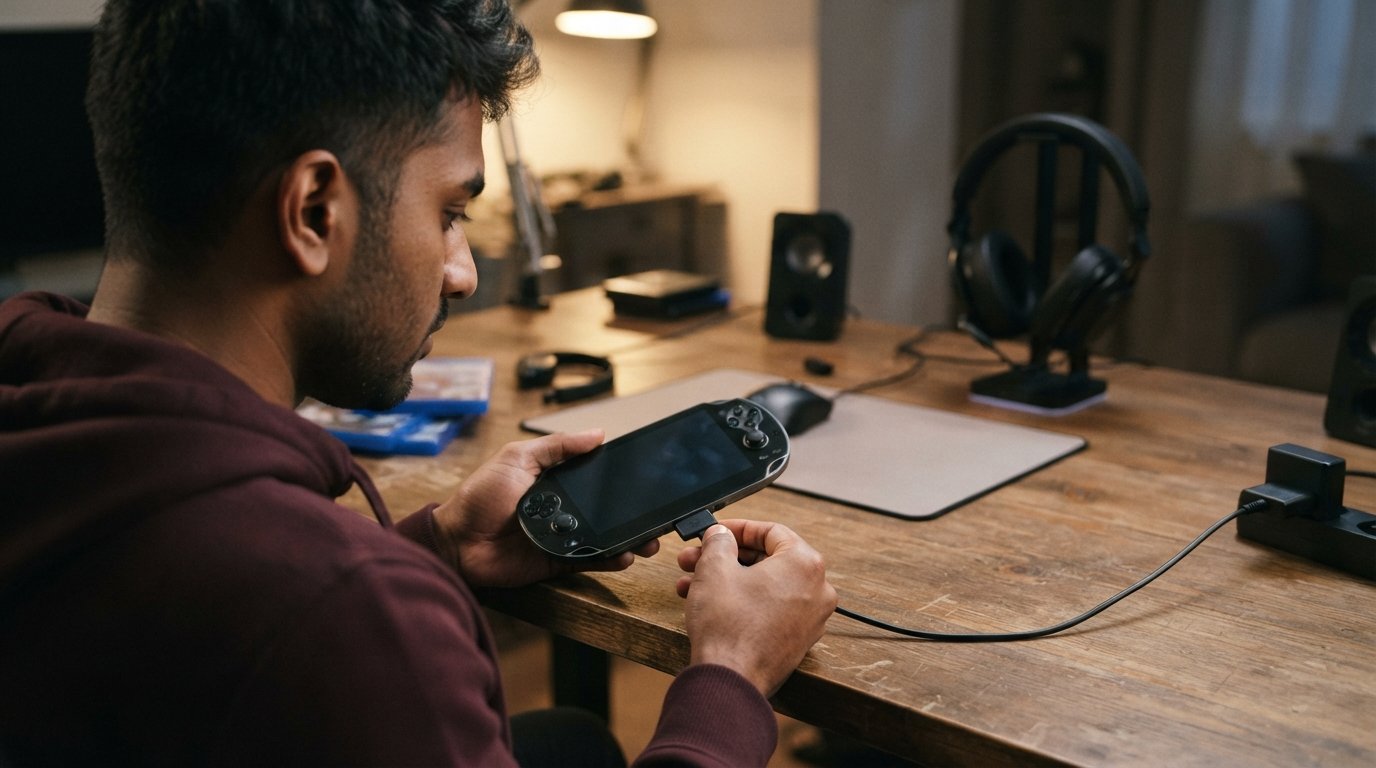
Finding the right PS Vita charger is important if you want to keep your PlayStation Vita powered up and ready to play. Although the PS Vita is an older handheld gaming system, its charging requirements are different from many modern USB-C devices.
A suitable PS Vita charging cable, compatible power adapter, or replacement charger can help you safely recharge the console. However, not every cable that physically fits the device is necessarily the right choice.
In this guide, you’ll learn what a PS Vita charger is, which charging cables work with different Vita models, how long charging takes, what to do when your PS Vita won’t charge, and how to choose a reliable replacement.
What Is a PS Vita Charger?
A PS Vita charger is the power adapter and charging cable used to recharge the battery inside a Sony PlayStation Vita handheld console.
The original PS Vita family includes different models, and their charging connections are not identical.
The most important distinction is between:
- PS Vita 1000 / PCH-1000 — uses Sony’s proprietary Vita charging connector.
- PS Vita 2000 / PCH-2000 — uses a micro-USB-style connection.
This difference is important when purchasing a replacement PS Vita charging cable.
What Charger Does the PS Vita Use?
The charger required depends on which PS Vita model you own.
The original PS Vita 1000 uses a proprietary multi-pin charging connector. The later PS Vita 2000, sometimes called the PS Vita Slim, uses a micro-USB port.
Both systems can be charged using an appropriate power adapter and compatible cable, but the cable itself is not interchangeable between the two models.
Before purchasing a replacement, check the model number printed on your Vita.
PS Vita 1000 Charger
The PS Vita 1000, also known as the original PS Vita, uses a proprietary charging port located at the bottom of the console.
If you have a PCH-1000 model, you need a compatible PS Vita 1000 charger cable.
The connector was specifically designed for the original Vita and should not be confused with standard micro-USB or USB-C cables.
When purchasing a replacement, make sure the listing specifically identifies compatibility with the PS Vita PCH-1000.
PS Vita 2000 Charger
The PS Vita 2000 introduced a slimmer design and changed several hardware features, including the charging connection.
The PS Vita 2000 uses a micro-USB charging port.
This makes replacement cables easier to find than the proprietary cable required by the original model. However, you should still choose a cable designed for reliable charging and verify that it supports the PS Vita.
How Do I Know Which PS Vita Model I Have?
The easiest way to identify your Vita is by checking the model number.
A PS Vita 1000 generally has a model number beginning with PCH-1000, while the Slim model is generally identified by PCH-2000.
You can also recognize some physical differences.
| Feature | PS Vita 1000 | PS Vita 2000 |
|---|---|---|
| Common name | Original Vita | Vita Slim |
| Model family | PCH-1000 | PCH-2000 |
| Charging connector | Proprietary Vita connector | Micro-USB |
| Display | OLED | LCD |
| Design | Slightly thicker | Thinner and lighter |
| Built-in storage | No internal user storage in the same manner | Includes internal storage |
The model number is the most reliable way to determine which charger cable you need.
Can You Charge a PS Vita With USB?
Yes, but the exact method depends on the Vita model.
The PS Vita 2000 uses a micro-USB connection, so compatible USB power sources can be used with an appropriate cable.
The original PS Vita 1000 requires a cable with the correct proprietary Vita connector.
A USB power adapter can provide the power source, but the cable must have the appropriate connector for your console.
Can You Charge a PS Vita With a Phone Charger?
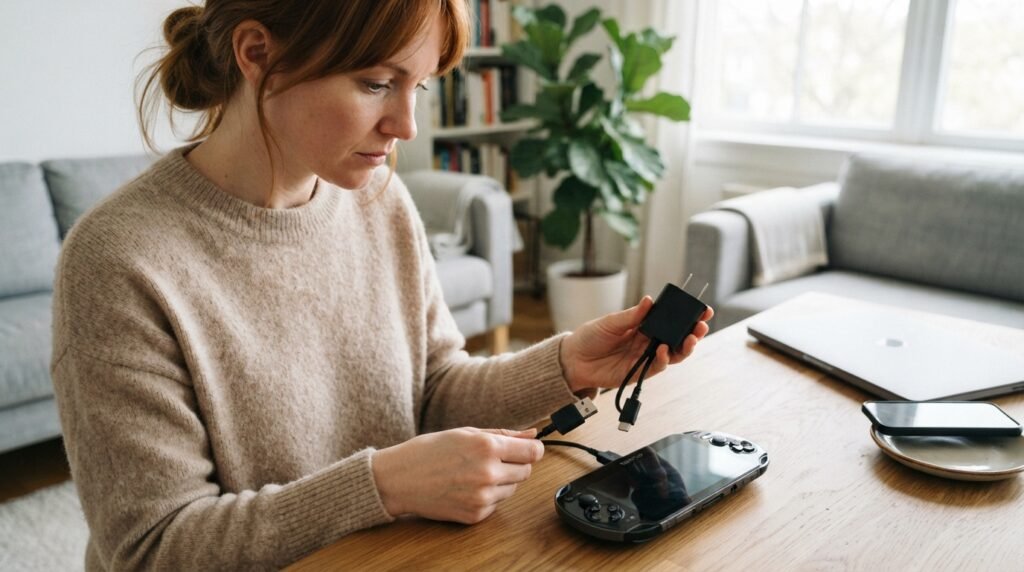
A suitable USB power adapter can potentially be used with a PS Vita when paired with the correct charging cable.
However, the fact that a phone charger can physically connect to a cable does not automatically guarantee compatibility.
For the PS Vita 2000, a standard USB power adapter with a compatible micro-USB cable is generally the relevant setup.
For the PS Vita 1000, you need the appropriate proprietary Vita charging cable.
Always use a reputable charger and cable that meet the console’s charging requirements.
Can You Use a PS Vita Charger With a Power Bank?
A compatible power bank can be useful for charging a PS Vita while traveling.
For a PS Vita 2000, you can generally use a suitable USB cable connected to a USB power bank.
For the PS Vita 1000, you need the appropriate proprietary charging cable.
Keep in mind that charging performance can depend on the power bank’s output, cable quality, and the console’s battery condition.
How Long Does a PS Vita Take to Charge?
Charging time depends on the model, battery condition, charger, cable, and whether the console is being used while charging.
A PS Vita generally takes several hours to reach a full charge from a low battery.
Charging while playing can take longer because the console is simultaneously consuming power.
For the most efficient charging, leave the Vita connected to a suitable power source while the system is idle or powered off.
How Do You Know When a PS Vita Is Fully Charged?
The PS Vita provides battery-status information through its system interface.
When connected to power, the console should indicate that charging is taking place.
Depending on the system state, the battery icon or charging indicator can provide information about the current charging status.
If the console does not show any indication that it is receiving power, troubleshoot the charger, cable, port, and battery.
Why Is My PS Vita Not Charging?
A PS Vita that refuses to charge can have several possible causes.
Common problems include:
- Damaged charging cable
- Faulty power adapter
- Dirty charging port
- Damaged charging connector
- Completely depleted battery
- Battery deterioration
- Software or hardware issue
- Poor electrical connection
Before assuming that the battery has failed, test the cable and power adapter.
How to Fix a PS Vita That Won’t Charge
If your PS Vita charger is not working, try the following steps.
1. Check the Power Adapter
Make sure the power adapter is connected securely to the wall outlet and charging cable.
If possible, test another compatible power source.
2. Inspect the Charging Cable
Look for:
- Frayed wires
- Bent connectors
- Cracks
- Loose connections
- Visible damage
A damaged cable should be replaced.
3. Check the Charging Port
Inspect the Vita’s charging port for dust or debris.
Do not insert sharp metal objects into the port because they can damage the contacts.
4. Try Another Power Source
Connect the charger to another known-working outlet or compatible USB power source.
5. Allow a Completely Drained Battery to Recover
If the battery has been completely depleted for a long period, the console may not immediately appear to turn on when connected to power.
Leave it connected to a suitable charger for a while before attempting to power it on again.
6. Restart the Console
If the Vita still has enough power to respond, restarting it can sometimes resolve temporary software-related behavior.
Why Is My PS Vita Charger Cable Not Working?
A charging cable can fail due to repeated bending, damaged connectors, poor construction, or general wear.
If your Vita charges only when the cable is held at a certain angle, the cable or charging port may be damaged.
Try another known-good compatible cable before concluding that the console itself has a problem.
Can a PS Vita Charging Port Be Repaired?
A damaged charging port may be repairable, but the difficulty depends on the Vita model and the nature of the damage.
The original PS Vita uses a proprietary connector, while the PS Vita 2000 uses micro-USB.
If the port is physically loose, damaged, or no longer making reliable electrical contact, professional repair may be necessary.
Avoid repeatedly forcing the cable into the port because additional damage could make the repair more complicated.
How Much Does a PS Vita Charger Cost?
The price of a PS Vita charger varies depending on whether you choose an original Sony accessory, a third-party replacement, or a complete charging kit.
Factors affecting price include:
- Vita model
- Cable type
- Charger type
- Brand
- Build quality
- Original vs. third-party construction
- Cable length
- Whether a power adapter is included
A replacement cable is usually less expensive than a complete charger-and-adapter package.
Original PS Vita Charger vs. Third-Party Charger
Both original and third-party charging accessories are available.
Original Charger
An original Sony charger or genuine compatible accessory can provide confidence about compatibility and construction.
Third-Party Charger
Third-party cables can be more affordable and may offer different lengths or designs.
However, quality can vary considerably between manufacturers.
When buying a third-party PS Vita charging cable, check the exact model compatibility and reviews before purchasing.
What to Look for in a PS Vita Charging Cable
When choosing a replacement cable, consider:
Model Compatibility
Make sure the cable is designed for your PS Vita 1000 or PS Vita 2000.
Build Quality
Look for strong connectors and durable cable construction.
Cable Length
A longer cable can be convenient when playing near a power outlet.
Power Compatibility
Choose a cable designed for the Vita’s charging requirements.
Connector Quality
The connector should fit securely without excessive movement or force.
Can You Charge a PS Vita While Playing?
Yes, a PS Vita can generally be used while connected to an appropriate charger.
However, charging may take longer because the console is simultaneously consuming battery power.
Gaming can also generate additional heat, so it is a good idea to keep the ventilation areas unobstructed while using the system.
Does the PS Vita Use USB-C?
The original PS Vita 1000 does not use USB-C.
The PS Vita 2000 uses micro-USB rather than USB-C.
Therefore, a modern USB-C cable cannot simply be plugged directly into either Vita model without an appropriate adapter or hardware modification.
If you are searching for a PS Vita USB charger, always verify which connector your specific Vita requires.
Can You Replace the PS Vita Battery?
The PS Vita contains an internal rechargeable battery. Battery replacement is possible, but opening the console requires care.
If the battery has significantly degraded, replacing the battery may restore normal battery life.
However, charging problems should not automatically be attributed to the battery. A faulty cable, charger, or charging port can produce similar symptoms.
How to Keep Your PS Vita Battery Healthy
Good charging habits can help maintain your handheld over time.
Consider these practices:
- Use a compatible charger.
- Avoid damaged cables.
- Keep the charging port clean.
- Avoid excessive heat.
- Do not store the console completely discharged for long periods.
- Use a suitable power source.
- Replace an aging battery when necessary.
Frequently Asked Questions
1. What charger does a PS Vita use?
The charger depends on the model. The PS Vita 1000 uses a proprietary Vita charging connector, while the PS Vita 2000 uses micro-USB.
2. Can I use a USB charger for PS Vita?
Yes, with the appropriate charging cable and compatible power source. The exact cable depends on the Vita model.
3. Does PS Vita use micro-USB?
The PS Vita 2000 uses micro-USB. The original PS Vita 1000 uses a proprietary connector.
4. Can I charge PS Vita with a phone charger?
A compatible USB power adapter can be used with the correct Vita charging cable. Make sure the charger and cable are appropriate for the console.
5. Why won’t my PS Vita charge?
Possible causes include a faulty charger, damaged cable, dirty charging port, battery failure, or an internal hardware problem.
6. How long does a PS Vita charger take to charge the console?
A full charge generally takes several hours, although the exact time depends on the model, battery condition, charger, cable, and whether the Vita is being used.
7. Can I charge my PS Vita with a power bank?
Yes. A compatible power bank can provide portable power when used with the correct charging cable.
8. Does the PS Vita 1000 use the same charger as the PS Vita 2000?
No. The two models use different charging connectors, so you should purchase a cable specifically designed for your model.
9. Can I use a USB-C cable with PS Vita?
The PS Vita does not have a native USB-C charging port. The original model uses a proprietary connector and the Slim model uses micro-USB.
Final Thoughts
Choosing the correct PS Vita charger starts with identifying your console model. The PS Vita 1000 uses Sony’s proprietary charging connector, while the PS Vita 2000 uses micro-USB.
If your console is not charging, check the power adapter, cable, charging port, and battery before assuming that the Vita itself has failed. A high-quality replacement PS Vita charging cable can often solve charging problems caused by damaged or worn cables. For the best results, use a compatible power source, avoid damaged cables, keep the charging port clean, and choose replacement accessories specifically designed for your PS Vita model.
About the Author