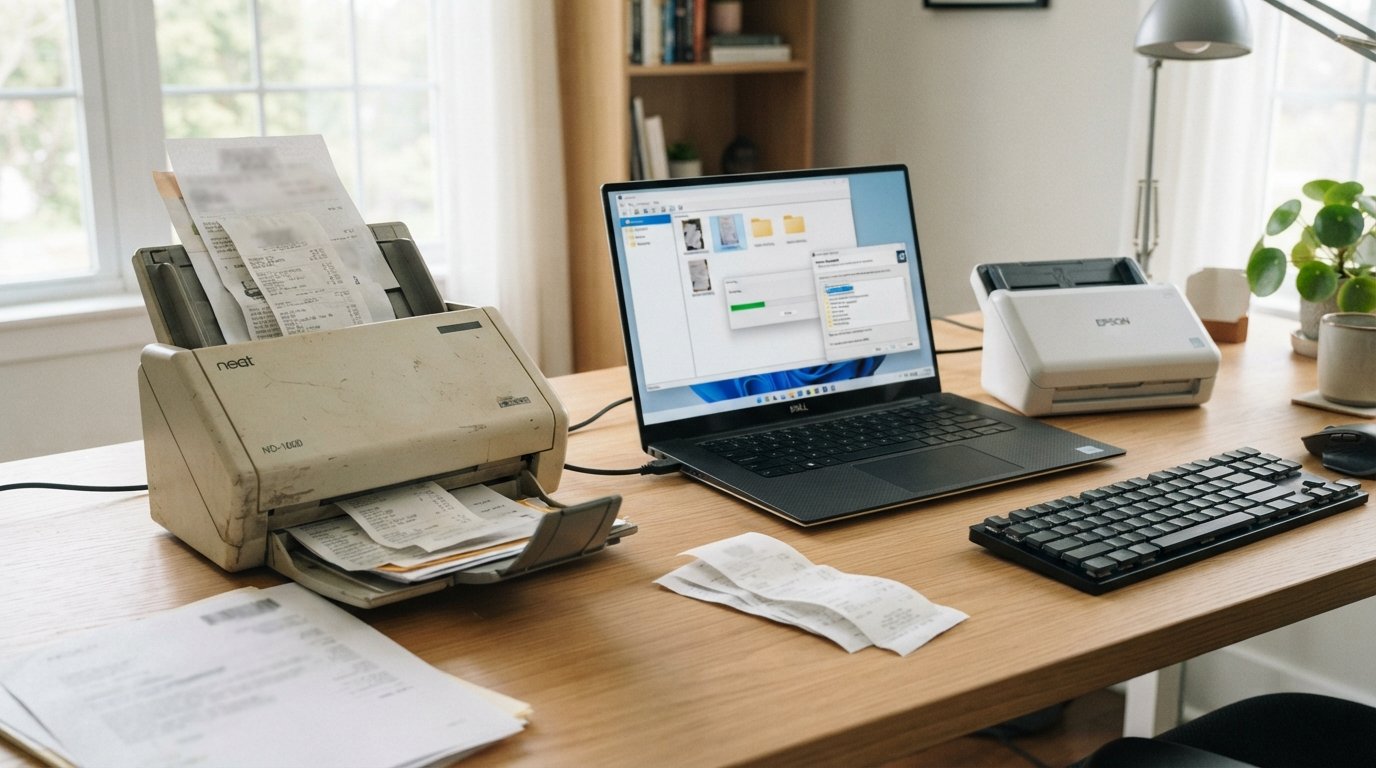
Yes, you can still use some Neat scanners, but the answer depends on the model, driver availability, operating system, and software you want to use.
Neat stopped manufacturing and selling its own scanners years ago, but that does not mean every Neat scanner suddenly became useless. Neat’s current support documentation still lists the NeatConnect NC-1000, NeatDesk ND-1000, and NeatReceipts NM-1000 as compatible with current Neat software. Older models have more limited compatibility.
There is also an important recent update for Mac users: in May 2026, Neat released updated Mac drivers for its scanners that are designed to work with current Mac operating systems.
So if you have an old Neat scanner sitting in a closet, don’t throw it away yet.
The first thing to do is identify the exact model.
Are Neat Scanners Discontinued?
Yes.
Neat announced that it was exiting the scanner marketplace as a direct manufacturer in July 2017 and shifted its focus toward cloud-based software and document management. Neat also states that its scanners are no longer sold by Neat or its authorized resellers.
The important distinction is:
Discontinued does not necessarily mean unusable.
A discontinued scanner can continue functioning if:
- The hardware still works.
- A compatible driver is available.
- Your operating system supports the driver.
- Your scanning application can communicate with the scanner.
The problem is that older hardware becomes increasingly dependent on software and operating-system compatibility.
Can You Still Use a Neat Scanner?
For many models, yes.
Neat’s current scanner-support table divides its hardware into different compatibility groups.
| Neat scanner | Model | Compatible with current Neat software? |
|---|---|---|
| NeatConnect | NC-1000 | Yes |
| NeatDesk | ND-1000 | Yes |
| NeatReceipts | NM-1000 | Yes |
| Older NeatDesk | ADF-070108 | No |
| Older NeatReceipts | NR-030108 | No |
| NeatReceipts Silver | SCS-A4601EU | No |
Neat describes all of these scanners as being out of warranty and says agent support is no longer provided, but the 1000-series models remain compatible with current Neat software.
That means the exact model number matters much more than simply seeing the word “Neat” on the scanner.
Which Neat Scanners Still Work?
The 1000-series scanners are the most important group to check first.
NeatDesk ND-1000
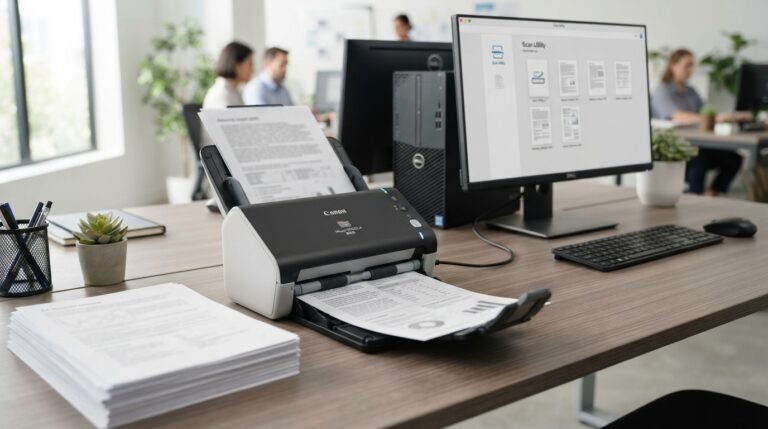
The ND-1000 is a desktop automatic document feeder scanner designed for documents, receipts, and business cards.
Neat currently lists the ND-1000 as compatible with its current software.
NeatReceipts NM-1000
The NM-1000 is the portable NeatReceipts scanner.
Neat currently lists this model as compatible with current Neat software as well.
NeatConnect NC-1000
NeatConnect was designed as a connected scanner with Wi-Fi functionality.
The NC-1000 also remains on Neat’s current list of models compatible with its current software.
Older Neat models
Older models such as:
- ADF-070108
- NR-030108
- SCS-A4601EU
are not listed as compatible with current Neat software.
That doesn’t necessarily mean the physical scanner can never work again. It means you should approach an older model very differently and investigate driver and third-party software compatibility before investing time or money in it.
Can You Use a Neat Scanner Without Neat Software?
Yes, if the scanner has a compatible driver and the alternative application supports the scanner’s interface.
Neat itself documents using its scanners with third-party TWAIN-compatible software.
For Windows, Neat specifically recommends NAPS2 as one option. For Mac, Neat documents using Apple’s built-in Image Capture application.
This is important because the scanner hardware and the Neat organizational software are not exactly the same thing.
The scanner’s basic job is to capture an image.
The software determines what happens afterward:
- Save the scan
- Create a PDF
- Apply OCR
- Organize documents
- Search documents
- Upload files
- Rename files
- Send files to another application
If your only goal is to create digital documents, you may not need the full Neat organizational environment.
Using a Neat Scanner With NAPS2
NAPS2 is one of the most useful alternatives for Windows users.
Neat’s own documentation explains that NAPS2 can communicate with compatible Neat scanners through their TWAIN driver.
The general workflow is:
- Install the correct scanner driver.
- Install NAPS2.
- Create a new scanning profile.
- Choose the scanner.
- Select the TWAIN driver when available.
- Configure the desired scanning settings.
- Scan the documents.
- Save the result as a PDF or image file.
NAPS2 is particularly useful if you don’t care about Neat’s document-management features and simply want a functioning document scanner.
However, compatibility still depends on the particular scanner and driver.
Can You Use a Neat Scanner With Mac?
Yes, but the answer has changed over time.
Older Neat documentation warned that newer macOS versions could cause compatibility problems with older Neat scanner drivers.
For example, the introduction of macOS Ventura and Sonoma caused driver issues for some Neat scanners.
However, Neat published a May 2026 update stating that updated Mac drivers are now available for current Mac operating systems. Neat also says those updated drivers work with current Mac versions and that the drivers are available for download through its support system.
So an old article saying “Neat scanners do not work with modern Macs” may no longer be accurate.
What if Image Capture sees the scanner?
Apple’s built-in Image Capture application can provide another way to scan without relying on the Neat organizational software.
Neat’s own instructions explain that Mac users can open Image Capture, select the Neat scanner under Devices, configure the destination and format, and scan directly.
This can be useful if your goal is simply:
Neat scanner → Mac → scanned PDF/image
rather than:
Neat scanner → Neat software → Neat Cloud/document organization
Can You Use a Neat Scanner With Windows 11?
Yes, but Windows 11 users should pay particular attention to drivers.
Neat’s current troubleshooting documentation says some Windows 11 users have experienced scanner-detection problems. Neat recommends using the 64-bit driver on Windows 11 for supported Neat scanners.
If the scanner isn’t detected, don’t immediately assume the hardware is dead.
Check:
- USB cable
- USB port
- Scanner power
- Driver installation
- Device Manager
- Neat Desktop
- Another scanning application
Neat also recommends testing the scanner with software such as NAPS2 or Microsoft Paint when troubleshooting detection problems.
What If Windows 11 Says It Cannot Install the Neat Scanner?
This can be a driver problem rather than a hardware failure.
Neat recommends checking Device Manager, removing the existing scanner driver when necessary, restarting Windows, downloading the current driver, and reinstalling it.
The 64-bit driver is particularly important on current Windows systems.
Older Windows installations and very old Neat scanner models may have different driver requirements.
Does Neat Still Provide Scanner Drivers?
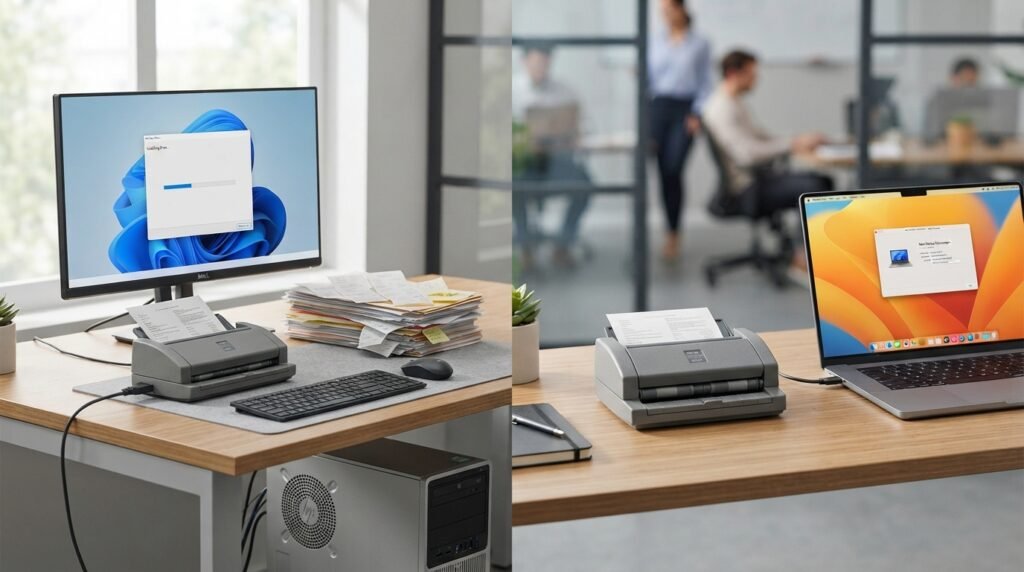
For supported models, Neat continues to provide drivers through its support resources, although Neat makes clear that the hardware is discontinued and that drivers cannot necessarily be guaranteed indefinitely as operating systems change.
Neat’s current download/support area still contains scanner-driver resources.
This leads to an important rule:
If your Neat scanner currently works, keep a copy of the appropriate driver and important scanning software information.
Because the hardware is discontinued, future operating-system changes can eventually create compatibility problems.
Can You Use a Neat Scanner Without a Subscription?
It depends on what software you are using.
Neat’s current Desktop App allows users to scan and save files to the local computer without a Neat subscription. A subscription is required for certain Neat cloud-storage functionality.
This is an important distinction.
You can have:
Scanner + Neat Desktop + local storage
without necessarily having:
Scanner + Neat Cloud subscription
If you simply want to digitize paperwork and keep the files on your computer, local scanning may be enough.
Neat Desktop vs Neat Legacy Software
These should not be confused.
Neat Legacy
Neat’s older desktop software has been retired.
Neat says support for its Legacy Desktop Software ended on July 31, 2018, and the final legacy versions are no longer available for normal distribution or download.
The old software can also become increasingly difficult to use as operating systems evolve.
Neat Desktop App
The newer Neat Desktop App is designed for current workflows and supports the 1000-series Neat scanners as well as many third-party TWAIN-compatible scanners. It can scan to a local computer without requiring a subscription.
For a supported 1000-series scanner, the modern Neat Desktop App is generally a more appropriate starting point than trying to revive old Legacy software.
Should You Try to Install Neat Legacy Software?
Usually, you should first investigate the current Neat Desktop App and current drivers.
Neat specifically recommends moving away from its retired Legacy software because it no longer receives updates and can become incompatible with newer operating systems.
This is especially important on modern computers.
A scanner may physically work while the old software surrounding it does not.
Can an Old Neat Scanner Work With Other Scanning Software?
Potentially, yes.
The key requirement is driver compatibility.
Neat documents third-party TWAIN-compatible scanning software as an option and specifically identifies NAPS2 for Windows.
Other scanner applications may also work if they can communicate with the installed driver.
The important distinction is:
Scanner hardware → driver → scanning application
If the driver layer is missing or incompatible, changing applications may not solve the problem.
What If My Neat Scanner Is Not Detected?
Start with the simplest checks.
1. Check the USB connection
Connect the scanner directly to the computer rather than through a hub or dock.
Neat specifically recommends a direct USB connection when troubleshooting scanner-detection problems.
2. Try another USB port
A faulty or incompatible port can make a working scanner appear to be broken.
3. Try another compatible cable
If possible, testing with another cable can help isolate a connection problem.
4. Check Device Manager on Windows
Look under the relevant device categories for the scanner.
If Windows doesn’t see the hardware at all, the issue may be related to:
- Driver
- USB connection
- Port
- Scanner hardware
5. Test another scanning application
Neat recommends testing with applications such as NAPS2 or Microsoft Paint when diagnosing Windows scanner-detection issues.
If another application detects the scanner but Neat does not, the problem may be with the Neat application rather than the scanner itself.
What If the Neat Scanner Driver Won’t Install?
Driver remnants can sometimes interfere with installation.
Neat has separate instructions for repairing or reinstalling its scanner drivers and identifies different driver files for models such as:
- NM-1000
- ND-1000
- NC-1000
- ADF-070108
- NR-030108
- SCS-A4601EU
The safest approach is to identify the exact model first rather than installing a random Neat driver.
How Do You Find Your Neat Scanner Model?
Look for the model information on the scanner itself.
Depending on the model, the identifying information may be on the bottom or another label.
Common model numbers include:
- ND-1000 — NeatDesk
- NM-1000 — NeatReceipts
- NC-1000 — NeatConnect
- ADF-070108 — older NeatDesk
- NR-030108 — older NeatReceipts
- SCS-A4601EU — NeatReceipts Silver
Neat’s troubleshooting documentation specifically instructs Windows users to find the model number on the underside of the scanner when working with drivers.
Can You Still Use a NeatDesk?
If you have the ND-1000, the situation is considerably better than it may appear.
Neat currently lists the ND-1000 as compatible with its current software.
The NeatDesk was designed as a desktop duplex ADF scanner for documents, receipts, and business cards. Neat’s documentation describes a 50-sheet capacity and scanning speeds of up to 24 pages per minute.
So if you already own a working ND-1000, there may be little reason to discard it simply because Neat no longer manufactures the scanner.
Can You Still Use NeatReceipts?
If you have the NM-1000, Neat currently lists it as compatible with current Neat software.
The main consideration is driver availability and your operating system.
If the NM-1000 is functioning and has a compatible driver, you can potentially continue using it for:
- Receipts
- Documents
- Business cards
- Basic document digitization
You can also investigate third-party scanning software where the appropriate driver supports it.
Can You Still Use NeatConnect?
The NC-1000 NeatConnect is also listed by Neat as compatible with current software.
However, remember that NeatConnect is older hardware.
Its continued usefulness depends on:
- Driver availability
- Current operating system
- USB connectivity
- Neat software compatibility
- Hardware condition
The fact that a model is listed as compatible does not mean it will receive indefinite future support.
What Happened to Neat Scanners?
Neat changed direction because the company decided to focus on software and cloud-based document management instead of manufacturing scanners.
Its 2017 hardware-exit announcement says the market was changing as smartphones, digital receipts, and email-based documents became more common, while customers were asking for more cloud functionality.
That is why you can still find Neat scanners in people’s offices or on the used market even though Neat no longer manufactures them.
Is a Used Neat Scanner Worth Buying?
This is more complicated than buying a current scanner.
A used Neat scanner can be inexpensive, but the real question is software and driver compatibility.
Before buying one, check:
- Exact model number
- Windows or Mac version
- Current driver availability
- USB cable
- Power adapter
- Feeder condition
- Roller condition
- Whether scanning software recognizes it
- Whether you need OCR
- Whether you need cloud features
A very cheap old scanner isn’t necessarily a bargain if its driver won’t work with your computer.
Should You Keep Your Old Neat Scanner?
If you already own a supported 1000-series scanner and it works with your computer, keeping it can be reasonable.
You may want to keep using it if:
- The scanner works reliably.
- Current drivers are available.
- You only need basic scanning.
- Your computer recognizes it.
- You don’t need modern wireless features.
- Your scanning volume is modest.
- You don’t want to replace functioning hardware.
When Should You Replace a Neat Scanner?
Replacement becomes more sensible when:
- The scanner repeatedly fails.
- No compatible driver exists.
- Your operating system is no longer supported.
- Replacement parts are difficult to find.
- Scanning quality has deteriorated.
- Feed rollers are worn out.
- You need faster scanning.
- You need wireless/network scanning.
- You need modern document-management integration.
- Your business depends on reliable vendor support.
Because Neat no longer manufactures scanners, a replacement eventually becomes more practical for some users.
Neat Scanner Alternatives
If your Neat scanner has reached the end of its useful life, you have several directions to consider.
Modern document scanners
Current scanners from manufacturers such as Canon, Epson, Brother, Ricoh, and others generally provide more modern driver and operating-system support.
Look for features such as:
- Duplex scanning
- Automatic document feeder
- OCR
- USB connectivity
- Wi-Fi or network scanning
- TWAIN support
- High-volume paper feeding
Smartphone scanning
For occasional documents, a phone can sometimes replace a dedicated scanner.
This is especially useful for:
- One-page documents
- Receipts
- Forms
- Quick records
However, a dedicated ADF scanner is generally more convenient for large batches of paperwork.
Third-party scanner software
If your Neat hardware is still working, you may not need to replace it just because you no longer want to use Neat’s organizational software.
NAPS2 and Apple’s Image Capture are examples of alternative scanning workflows documented by Neat itself.
What Is the Best Way to Use an Old Neat Scanner Today?
For a supported 1000-series scanner, start with the current Neat Desktop App and current scanner driver.
For Windows users who want basic scanning outside the Neat ecosystem, investigate NAPS2.
For Mac users, Image Capture may provide a simple way to scan directly to the computer.
The correct choice depends on whether you want:
Simple scanning
or
Scanning + OCR + organization + cloud document management.
Frequently Asked Questions
Can you use a Neat scanner still?
Yes. Some Neat scanners can still be used. Neat currently lists the NC-1000, ND-1000, and NM-1000 as compatible with current Neat software, although the hardware itself is discontinued and out of warranty.
Are Neat scanners still supported?
Neat states that its branded scanners are out of warranty and that agent support is no longer provided. However, certain 1000-series models remain compatible with current Neat software and Neat continues to provide drivers where possible.
Can I use my Neat scanner without Neat software?
Yes, when a compatible driver is available. Neat documents using compatible scanners with third-party TWAIN software, NAPS2 on Windows, and Image Capture on Mac.
Can I use a Neat scanner with Windows 11?
Supported models can work with Windows 11, but Neat recommends the appropriate 64-bit driver and has documented some Windows 11 scanner-detection issues.
Can I use a Neat scanner with a Mac?
Yes, for compatible models. Neat announced updated Mac drivers in May 2026 that are designed to work with current Mac operating systems.
Can I use Neat scanner with NAPS2?
Potentially, yes. Neat specifically documents NAPS2 as a Windows option for compatible Neat scanners using TWAIN drivers.
Can I use a Neat scanner with Apple Image Capture?
Neat documents Image Capture as an option for Mac users who want to scan without using the Neat organizational software.
Is Neat scanner software discontinued?
The old Neat Legacy desktop software has been retired and is no longer supported. Neat recommends its current Desktop App instead.
Is NeatDesk discontinued?
Yes. Neat exited the scanner marketplace in 2017. However, the ND-1000 NeatDesk remains listed as compatible with current Neat software.
Is NeatReceipts discontinued?
The NeatReceipts hardware line is discontinued, but the NM-1000 is still listed by Neat as compatible with current software.
Can I use an old Neat scanner on a new computer?
Possibly. The deciding factors are the scanner model, available driver, operating system, and scanning software. Older models are much more likely to encounter compatibility limitations.
Should I throw away my old Neat scanner?
Not necessarily. If you own an NC-1000, ND-1000, or NM-1000 and it still works, check the current driver and software compatibility before replacing it.
Final Thoughts
So, can you use a Neat scanner still?
Yes—many users can, but you need to check the exact model and current driver compatibility.
Neat scanners are discontinued as a hardware product, but that is not the same thing as every scanner being unusable. The NC-1000, ND-1000, and NM-1000 remain listed as compatible with current Neat software, while several older models do not.
Modern operating systems are the biggest consideration.
Windows 11 users should pay attention to the correct 64-bit driver and scanner-detection issues. Mac users should not rely on older articles claiming that Neat scanners simply cannot work with modern macOS, because Neat announced updated Mac drivers in May 2026.
And if you don’t want to use Neat’s software, compatible hardware can potentially be used through alternatives such as NAPS2 on Windows or Image Capture on Mac.
The simplest rule is:
Identify your Neat scanner model first, then check the current driver and operating-system compatibility.
If the scanner still works with your computer, there is no automatic reason to replace it simply because Neat stopped manufacturing scanners.
Related Post
- Check Scanner – Complete Guide to Types, MICR, Remote Deposit Capture & Buying Tips!
- Credit Cards In The Scanner – Can You Scan a Credit Card Safely?
- Def Scanner – Complete Guide to .DEF Files, Scanning Tools & How They Work!
About the Author