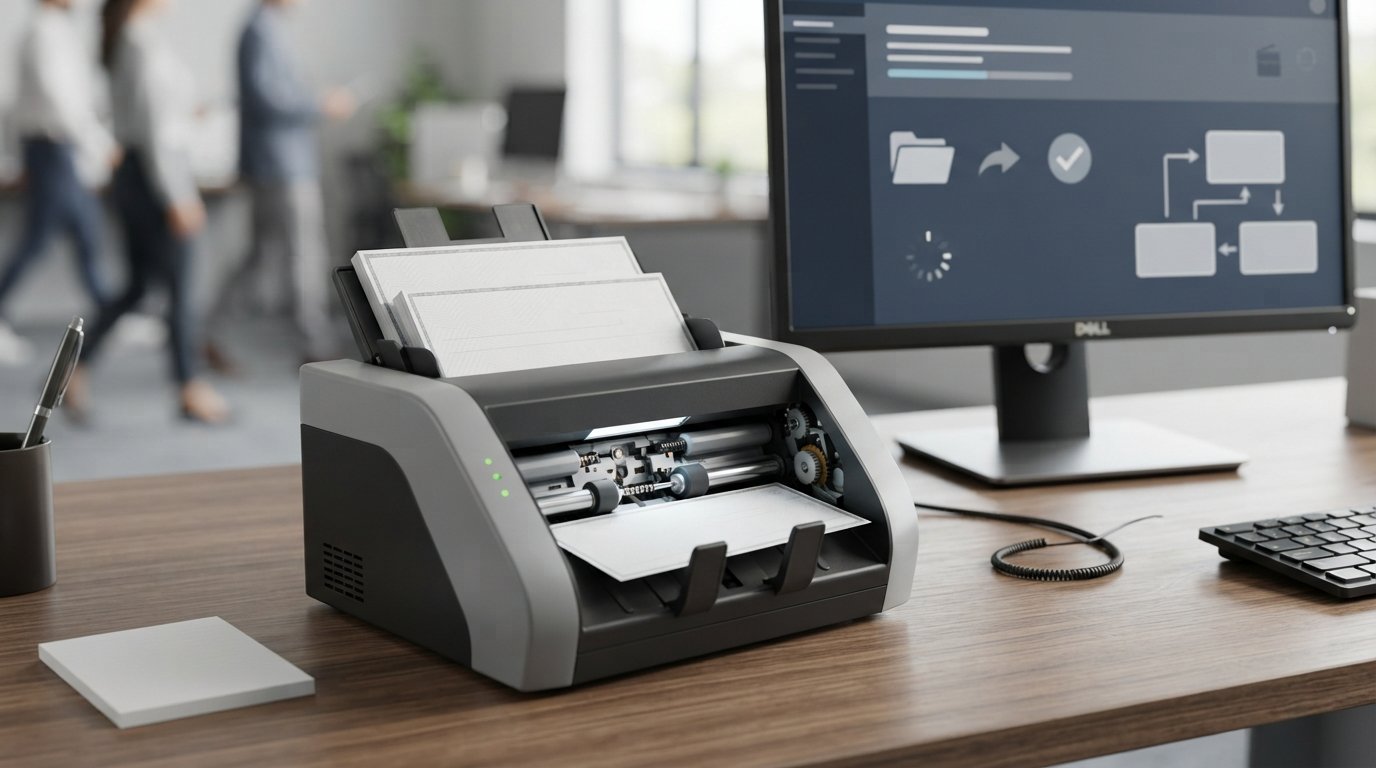
A check scanner is a specialized device designed to capture paper checks electronically. Unlike a regular document scanner, a business check scanner is built around the requirements of check processing, including MICR reading, front-and-back image capture, document feeding, and remote deposit capture (RDC).
Businesses can use check scanners to process deposits without physically taking every check to a bank branch. Depending on the model and banking software, a scanner can read information from a check, capture its images, and send the resulting data to a financial institution for electronic processing.
The Federal Reserve explains that Check 21 enabled banks to handle more checks electronically by capturing images of the front and back of checks along with associated payment information.
But choosing a check scanner is not simply about buying the fastest machine available. Scanner speed, MICR capability, feeder capacity, connectivity, software compatibility, image quality, service requirements, and your daily check volume all matter.
This guide explains how check scanners work, what MICR means, how remote deposit capture works, the different scanner types, and what to look for before buying one.
What Is a Check Scanner?
A check scanner is a specialized electronic scanner designed to process paper checks.
It typically performs two important functions:
- Reads machine-readable check information, particularly the MICR line.
- Captures digital images of the front and back of the check.
The scanner then passes that information to compatible banking, remote deposit capture, or check-processing software.
A traditional flatbed or office document scanner may be able to create an image of a check, but that does not necessarily make it a suitable check-processing device.
Business check scanners are designed specifically around financial workflows.
What Does a Check Scanner Read?
Depending on the equipment and software, a check scanner may capture:
- MICR information
- Check images
- Front image
- Back image
- Endorsement information
- Document sequence information
- Other processing data
The MICR line is normally located near the bottom of a check. Federal Reserve regulations define the MICR line as information that can include the routing number, account number, check number, and other check information.
How Does a Check Scanner Work?
The basic process is straightforward.
Step 1: Insert the Check
The check is placed into the scanner’s feeder.
Depending on the model, the device may accept one check at a time or multiple documents in a batch.
Step 2: The Scanner Feeds the Check
Internal rollers move the check through the scanner.
The scanner captures the document while controlling its position and movement.
Step 3: MICR Information Is Read
The scanner can read the MICR information printed along the bottom of the check.
This allows compatible software to identify important banking information electronically.
Step 4: Images Are Captured
The scanner captures the front and back of the check.
Image quality matters because the electronic images need to be readable and usable by the deposit-processing system.
Step 5: Software Processes the Information
The scanner communicates with compatible software or a financial institution’s remote deposit capture platform.
The software can then validate, organize, transmit, or process the deposit.
Step 6: The Check Is Submitted Electronically
With an appropriate RDC service, the business can transmit the deposit information and check images to its financial institution.
The exact workflow depends on the bank and the RDC software being used.
What Is MICR on a Check Scanner?
MICR stands for Magnetic Ink Character Recognition.
It refers to the machine-readable information printed near the bottom of a check.
The MICR line typically contains important banking information such as:
- Routing number
- Account number
- Check number
The Federal Reserve explains that check-processing equipment relies on the MICR information printed at the bottom of checks.
Why MICR Matters
MICR allows automated equipment to identify important check information without requiring someone to manually type every number.
That can improve processing efficiency and reduce manual data entry.
For businesses processing large numbers of checks, accurate MICR reading can be especially important.
What Is Remote Deposit Capture?
Remote Deposit Capture, commonly called RDC, is a banking service that allows a business to scan checks at its own location and electronically submit the deposit to its financial institution.
Instead of taking a stack of checks to the bank, the business can use a compatible check scanner and RDC system.
A typical process is:
Receive checks → scan checks → review images → submit deposit → bank processes deposit
Banks describe RDC as a way for businesses to scan check images from an office or other business location and transmit them electronically.
Who Uses Remote Deposit Capture?
RDC can be useful for:
- Small businesses
- Retailers
- Medical offices
- Property managers
- Insurance agencies
- Accounting departments
- Schools
- Government organizations
- Professional services
- Corporate offices
It can be particularly useful when employees would otherwise need to spend time transporting physical checks to a branch.
Check Scanner vs Regular Document Scanner
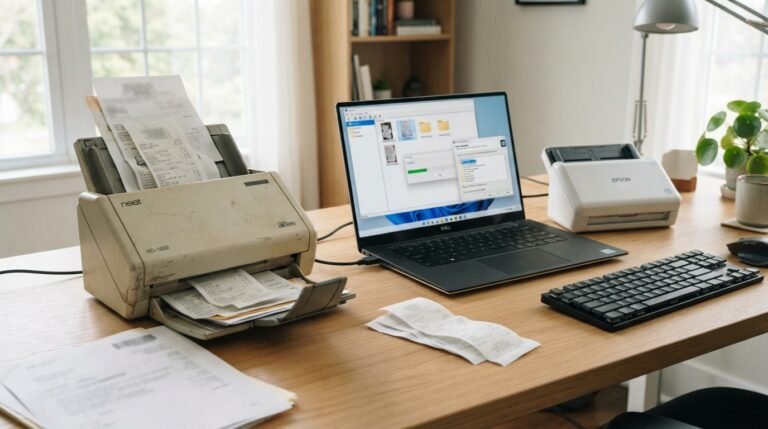
A normal document scanner and a check scanner may look similar, but they serve different purposes.
| Feature | Check Scanner | Regular Document Scanner |
|---|---|---|
| Check processing | Designed for it | Not necessarily |
| MICR reading | Common | Usually unavailable |
| Check feeder | Specialized | General-purpose |
| RDC use | Common | Usually not |
| Front/back check capture | Designed for workflow | May support duplex scanning |
| Banking integration | Common | Less specialized |
| High-volume check processing | Yes | Not usually |
| General documents | Limited/specialized | Excellent |
If your main purpose is scanning invoices, contracts, receipts, and ordinary paperwork, a business document scanner may be more appropriate.
If you need to process checks through an RDC or banking system, a dedicated check scanner is usually the more relevant category.
Types of Check Scanners
Check scanners can be divided into several practical categories.
Single-Feed Check Scanners
Single-feed models are designed for lower-volume environments.
You generally process checks individually or in small groups.
They can be useful for:
- Small businesses
- Home offices
- Low-volume deposits
- Professional offices
- Businesses receiving checks occasionally
A lower-volume scanner can cost less and occupy less desk space.
High-Speed Check Scanners
High-speed scanners are designed for larger volumes.
They may process dozens or more checks per minute.
These models are commonly used in:
- Banks
- Credit unions
- Back offices
- Cash-management operations
- Lockbox environments
- Large businesses
The right speed depends on the number of checks your operation processes.
Teller Check Scanners
Teller-oriented scanners are designed for financial institutions and branch environments.
They may provide:
- Higher throughput
- Multiple pockets
- Advanced document handling
- Endorsement functions
- MICR processing
- Integration with teller systems
Epson’s current lineup includes multifunction teller devices such as the TM-S2000II and TM-S9000II in addition to desktop check scanners.
Multifunction Teller Devices
Some banking devices combine check scanning with other teller functions.
Depending on the model, these systems can integrate check capture, receipt printing, endorsement, and other branch operations.
These machines are generally intended for professional financial environments rather than ordinary home use.
What Does DPM Mean on a Check Scanner?
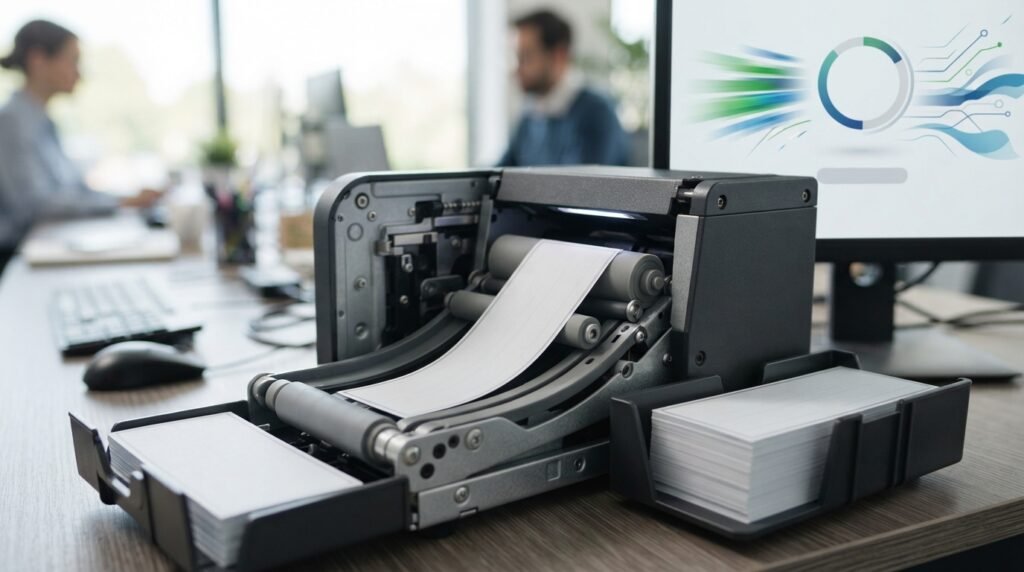
You may see check scanners advertised as 30 DPM, 50 DPM, 75 DPM, or 100 DPM.
DPM generally means documents per minute.
It indicates the scanner’s processing speed under specified conditions.
For example, a scanner rated at 75 DPM is designed to process up to approximately 75 documents per minute under its rated conditions.
But speed should not be your only buying criterion.
Does Faster Always Mean Better?
No.
A 100-DPM scanner may be unnecessary for a company that deposits 20 checks per day.
Conversely, a low-speed scanner can become a bottleneck in a bank or high-volume processing environment.
The best scanner speed depends on:
- Checks per day
- Peak deposit volume
- Number of employees
- Deposit frequency
- Required processing time
- Software workflow
How Fast Should a Check Scanner Be?
A practical way to choose speed is to estimate your daily and peak-volume requirements.
Low Volume
If your business processes only a small number of checks, a compact single-feed scanner may be sufficient.
Medium Volume
Businesses receiving dozens or hundreds of checks may benefit from a faster desktop check scanner.
High Volume
Banks, lockboxes, and centralized processing operations may require significantly higher throughput.
Do not pay for additional speed unless your workflow can actually use it.
Check Scanner Feeder Capacity
Another important specification is the document feeder capacity.
A larger feeder allows employees to load more checks before stopping to reload.
For example, CardMachineOutlet currently lists different check scanner configurations with feeder capacities and speeds ranging across Digital Check and Panini models.
Why Feeder Capacity Matters
Imagine two scanners with similar processing speeds.
One requires frequent manual loading while the other can handle a larger batch.
The second may be more efficient for a high-volume workflow even if both have similar DPM ratings.
Check Scanner Image Quality
A check scanner must produce clear images.
Image quality is important for:
- Reading handwritten information
- Reviewing check details
- Deposit processing
- Archiving
- Image verification
- Bank processing
Resolution is often listed in DPI, or dots per inch.
Epson’s S1000II, for example, specifies image capture up to 200 dpi.
Higher resolution is not automatically necessary for every check-processing workflow. Compatibility with the financial institution’s system and the required image standards matters more than chasing the largest DPI number.
Front and Back Check Scanning
A dedicated check scanner generally needs to capture both sides of a check.
The front may contain:
- Payee
- Amount
- Date
- Signature
- Other check information
The back may contain:
- Endorsement
- Deposit information
- Processing marks
Capturing both sides electronically is an important part of modern check-processing workflows.
Check Scanner With Inkjet Printer
Some check scanners include an inkjet printer.
The inkjet system can be used for specific endorsement or document-marking workflows.
When comparing models, determine whether you actually need:
- Inkjet printing
- Endorsement printing
- Franking
- Document marking
Not every business needs these features.
What Is a Franker?
A franking system can mark a check or document with processing information.
This can be useful in financial workflows where processed documents need to be identified or marked.
If you see check scanners offered with or without a franker, the correct choice depends on your institution’s processing requirements.
USB Check Scanner vs Network Check Scanner
Connectivity is another important decision.
USB Check Scanner
USB models connect directly to a computer.
Advantages include:
- Simple installation
- Direct connection
- Useful for individual workstations
- Suitable for many small-business environments
Epson’s S1000II is an example of a current check scanner using USB connectivity.
Network Check Scanner
Network-capable scanners can be designed for environments where multiple systems or users need access to scanning infrastructure.
Epson currently lists the S1000II-NW driverless network desktop check scanner alongside other network-oriented financial devices.
Network connectivity can be valuable in larger organizations, but it may introduce additional configuration and IT requirements.
Check Scanner Software Compatibility
Buying the scanner is only one part of the system.
You also need to verify compatibility with:
- Your bank’s RDC software
- Operating system
- Banking platform
- Drivers
- TWAIN or other supported interfaces
- Security software
- Network configuration
A scanner can be technically excellent and still be unsuitable if your financial institution does not support it.
Ask Your Bank Before Buying
Before purchasing a check scanner for remote deposit capture, ask your bank:
- Which scanner models are supported?
- Which operating systems are supported?
- Is special software required?
- Is a specific driver required?
- Is MICR functionality required?
- Are refurbished scanners supported?
- Are there scanner certification requirements?
- Is the scanner supplied by the bank?
This can prevent an expensive compatibility mistake.
Best Check Scanner for Small Business
There is no universal best check scanner for every small business.
The appropriate model depends on volume and bank compatibility.
For a small company receiving relatively few checks, prioritize:
- Affordable purchase price
- Compact design
- Easy USB connectivity
- Compatible RDC software
- Reliable MICR reading
- Simple maintenance
A high-volume teller scanner may provide features you never use.
Best Check Scanner for Remote Deposit
For remote deposit capture, focus on:
- Bank compatibility
- MICR capability
- Image quality
- Scanning speed
- Feeder capacity
- Driver support
- Software compatibility
- Warranty
- Technical support
Epson explicitly markets its S1000II as a desktop check scanner for remote deposit capture, while Benchmark also focuses heavily on RDC and financial-institution check-processing solutions.
Check Scanner for Banks and Credit Unions
Financial institutions generally need more than a basic scanner.
Important considerations include:
- High throughput
- MICR accuracy
- Image quality
- Document handling
- Multi-pocket configurations
- Endorsement
- Teller integration
- Network connectivity
- Maintenance
- Service agreements
- Software integration
A branch processing hundreds or thousands of checks has very different requirements from a small business making one deposit per day.
Popular Check Scanner Brands
The market includes several established manufacturers.
Digital Check
Digital Check produces check scanners for remote deposit capture and financial institutions.
Its product families include CheXpress and TellerScan.
Current reseller listings include CheXpress CX30 and TellerScan 240 configurations with different processing speeds and features.
Epson
Epson offers a dedicated check-scanner category with products ranging from desktop check scanners to multifunction teller devices.
Its S1000II is specifically designed for remote deposit capture.
Panini
Panini offers check-capture equipment for financial institutions and distributed check-processing applications.
Current reseller listings include multiple Vision X configurations with different speeds, feeder capacities, and inkjet options.
MagTek
MagTek also appears in the broader check-reading market, including MICR check-reader products. CardMachineOutlet currently lists products such as the Mini MICR 3800 and Excella MDX.
A MICR reader, however, should not automatically be treated as equivalent to a full check scanner.
Check Scanner vs MICR Check Reader
These terms are sometimes confused.
A MICR check reader focuses primarily on reading the magnetic information printed on a check.
A check scanner generally combines check imaging and check-processing capabilities.
| Feature | Check Scanner | MICR Reader |
|---|---|---|
| Read MICR | Yes | Yes |
| Capture check image | Yes | Depends on device |
| Front/back imaging | Common | Not necessarily |
| RDC use | Common | Limited by system |
| Document feeding | Common | Varies |
| Full check capture | Yes | Not necessarily |
Choose the device according to the actual workflow rather than the product name alone.
New vs Refurbished Check Scanner
Businesses can purchase new or refurbished equipment.
New Check Scanner
Advantages may include:
- Manufacturer warranty
- Current hardware
- Current driver support
- Easier procurement
- Longer expected support period
Refurbished Check Scanner
A refurbished scanner can potentially reduce the initial equipment cost.
Benchmark specifically offers used check-scanner buyback services and works with refurbished and used financial equipment.
However, before buying refurbished equipment, verify:
- Exact model
- Condition
- Warranty
- Roller condition
- Feeder condition
- MICR performance
- Driver availability
- RDC compatibility
- Return policy
- Service availability
The lowest purchase price is not necessarily the lowest total cost if the scanner requires repairs or is unsupported by your bank.
How Much Does a Check Scanner Cost?
Check scanner prices vary considerably.
Current reseller listings show examples ranging from several hundred dollars for entry-level or lower-volume equipment to more than $1,000 for higher-speed or feature-rich models. CardMachineOutlet’s current inventory, for example, lists CheXpress CX30 models around the $490–$550 range and several TellerScan and Panini configurations from roughly $700 to above $1,100.
Epson’s current S1000II pricing is not displayed directly on the product page, which instead directs customers to request information.
Pricing can change, so treat current retail figures as examples rather than permanent market prices.
What Affects Check Scanner Price?
Major factors include:
- Scanning speed
- Feeder capacity
- MICR capabilities
- Inkjet
- Franking
- Image quality
- Network connectivity
- Warranty
- Service package
- Banking integration
- Manufacturer
- New vs refurbished
Do You Need a Check Scanner for Mobile Deposit?
Usually not.
Consumers can often deposit checks using a bank’s mobile app by photographing the front and back of a check.
A dedicated check scanner is more relevant to businesses that receive enough paper checks to justify a structured deposit workflow.
The distinction is:
Mobile deposit: convenient for occasional consumer or small-volume deposits.
Check scanner + RDC: designed for structured business check processing.
How Secure Are Check Scanners?
The scanner itself is only one component of the security system.
Security also depends on:
- Banking software
- RDC provider
- Computer security
- Network security
- User authentication
- Data encryption
- Deposit controls
- Physical document handling
A business should follow its bank’s security procedures and keep scanning software and operating systems properly maintained.
Common Check Scanner Problems
Like any mechanical device, check scanners can experience problems.
Check Scanner Not Feeding
Possible causes include:
- Dirty rollers
- Worn rollers
- Incorrect paper placement
- Damaged checks
- Paper debris
- Feeder problems
MICR Not Reading
Possible causes include:
- Dirty MICR sensor
- Damaged check
- Incorrect check orientation
- Software problems
- Driver issues
- Hardware failure
Image Quality Is Poor
Check:
- Scanner glass or imaging components
- Dirt or debris
- Document alignment
- Software settings
- Image-quality configuration
Scanner Is Not Recognized
Try checking:
- USB connection
- Network connection
- Driver installation
- Operating-system compatibility
- Scanner power
- Security software
- Banking software
Check Scanner Is Slow
Possible causes include:
- Incorrect configuration
- Old drivers
- Network limitations
- Software bottlenecks
- Mechanical issues
- Processing settings
The advertised DPM is only part of real-world performance.
How to Clean a Check Scanner
Routine cleaning can help maintain reliable document feeding and image quality.
Follow the manufacturer’s maintenance instructions.
Common maintenance areas can include:
- Feed rollers
- Separation rollers
- Imaging surfaces
- Document path
- Sensors
Do not use chemicals or cleaning procedures that are not approved for your specific scanner.
For high-volume financial environments, follow the manufacturer’s recommended maintenance schedule.
What to Look for When Buying a Check Scanner
Use this checklist before purchasing.
1. Check Bank Compatibility
This should be your first question.
A scanner that cannot work with your RDC platform is not useful.
2. Determine Daily Check Volume
Estimate:
- Average checks per day
- Peak checks per day
- Checks per deposit
- Number of deposits per day
3. Choose the Appropriate Speed
Select a DPM rating that fits your actual workload.
4. Check Feeder Capacity
Higher feeder capacity can reduce employee intervention during large batches.
5. Verify MICR Capability
Make sure the scanner supports the MICR workflow required by your bank or software.
6. Consider Connectivity
Choose USB, network, or another connection based on your workstation and IT environment.
7. Check Image Requirements
Make sure the scanner meets the image specifications required by your deposit system.
8. Decide Whether You Need Inkjet or Franking
Do not pay extra for features your workflow does not require.
9. Review Warranty and Support
Business equipment needs dependable support.
Consider:
- Warranty length
- Replacement options
- Repair service
- Technical support
- Availability of rollers and other consumables
10. Consider Total Cost of Ownership
Include:
- Scanner price
- Software
- Bank/RDC fees
- Maintenance
- Replacement parts
- Service plans
- Ink
- Shipping
- Employee time
Frequently Asked Questions About Check Scanners
1. What is a check scanner used for?
A check scanner is used to capture paper checks electronically. It can read MICR information and create digital images that can be processed through banking or remote deposit capture systems.
2. Can a check scanner deposit checks?
A scanner itself does not independently move money into your account. It captures the check and sends information to compatible software or an RDC service, which then submits the deposit to your financial institution.
3. What is MICR in a check scanner?
MICR stands for Magnetic Ink Character Recognition. It refers to machine-readable information printed near the bottom of checks, including information such as routing and account numbers.
4. What is remote deposit capture?
Remote Deposit Capture allows a business to scan checks at its own location and transmit the check images and associated information electronically to its financial institution.
5. What is DPM on a check scanner?
DPM means documents per minute. It describes the scanner’s rated document-processing speed.
6. Is a check scanner better than a regular scanner?
For check processing, a dedicated check scanner is generally better suited because it can provide specialized features such as MICR reading, check feeding, and integration with RDC systems.
7. Can I use any check scanner with my bank?
No. Your bank’s RDC platform may support only specific scanners, drivers, or configurations. Always confirm compatibility before purchasing.
8. Can I use a refurbished check scanner?
Potentially, yes. Refurbished equipment can reduce the initial cost, but you should verify condition, warranty, driver support, MICR performance, and compatibility with your bank’s RDC system.
9. What check scanner speed do I need?
Choose based on your actual check volume. A small business with occasional deposits may not need the same speed as a bank branch or high-volume processing center.
10. Do check scanners read both sides of a check?
Many dedicated check scanners are designed to capture both the front and back of a check, but exact capabilities vary by model.
11. Does a check scanner need special software?
Usually, yes. Check-processing and RDC workflows commonly require compatible drivers and software supplied or supported by the bank, scanner manufacturer, or third-party provider.
12. Can a check scanner read handwritten checks?
The scanner can capture an image of handwriting, but recognizing handwritten information is a separate software capability. MICR reading primarily concerns the machine-readable information printed in the MICR line.
13. Are check scanners still useful?
Yes. Although electronic payments have reduced the role of paper checks in many transactions, businesses and financial institutions still process checks. Dedicated scanners remain useful where paper-check volume and remote deposit workflows justify them.
Final Thoughts
A check scanner is more than a small document scanner. It is a specialized business device designed to turn paper checks into electronically usable information and images.
The most important technologies to understand are MICR and Remote Deposit Capture. MICR allows compatible systems to read the machine-readable information printed on checks, while RDC allows businesses to transmit scanned check information to their financial institution without physically transporting every check to a branch.
When choosing equipment, start with your actual workflow.
Determine your check volume, then compare:
- DPM scanning speed
- Feeder capacity
- MICR capability
- Image quality
- USB or network connectivity
- Software compatibility
- Inkjet or franking requirements
- Warranty
- Maintenance
- New vs refurbished cost
Current check-scanner products range from compact remote-deposit devices to high-throughput teller and financial-institution systems. Epson, Digital Check, Panini, and other manufacturers serve different parts of this market.
Most importantly, confirm compatibility with your bank or RDC provider before buying. A scanner with impressive specifications is still the wrong choice if your financial institution’s software does not support it.
For occasional business deposits, a compact scanner may be enough. For higher-volume operations, investing in faster document handling, larger feeders, stronger service support, and appropriate banking integration can make a much bigger difference than simply choosing the cheapest model.
Related Post
- Def Scanner – Complete Guide to .DEF Files, Scanning Tools & How They Work!
- Env Scanner – Complete Guide to Environment Variable, Secrets & .env File Scanning!
- Free Palm Reading Scanner – Scan Your Palm Online With AI!
About the Author